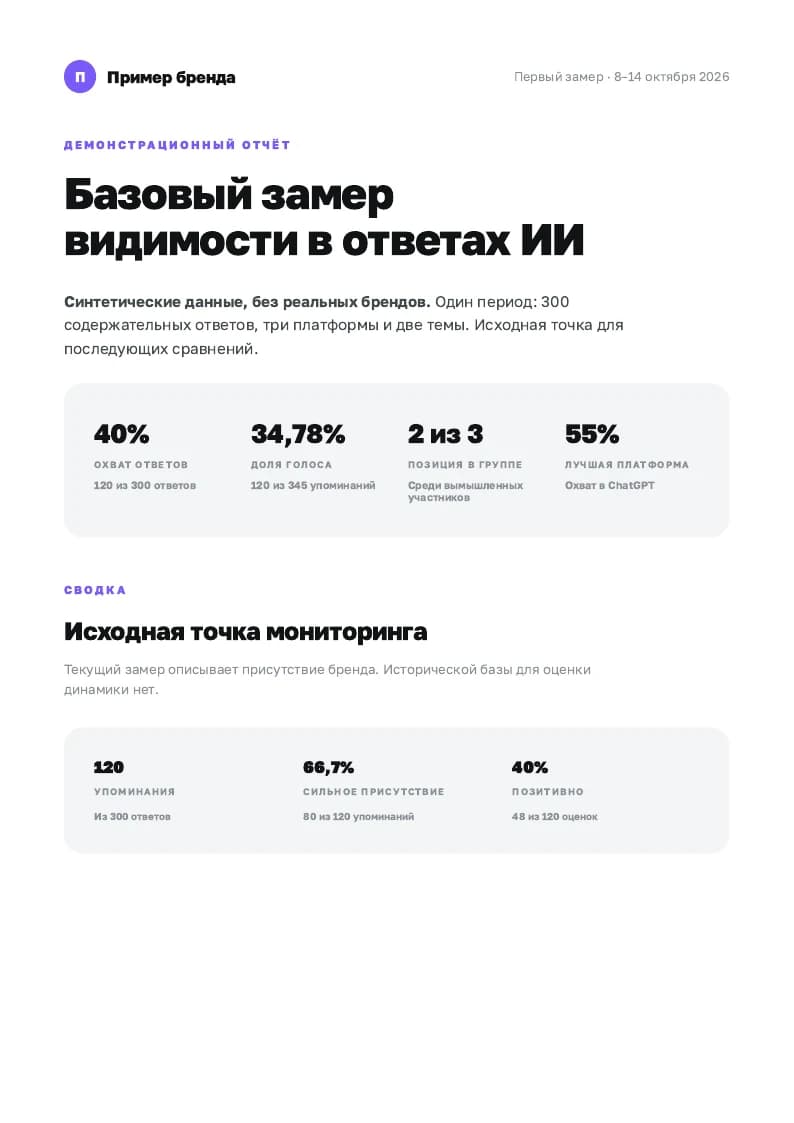
Baseline report
One measurement: coverage, platforms, topic clusters, competitors and gaps. No invented historical comparisons.
Open PDFGEO Dynamics helps Claude Code and Codex create multi-page A4 reports from GEO Scout data, from a first measurement to a comparison of two AI visibility monitoring periods.
The skill is free. You need Claude Code or Codex, Node.js 22.20+ for CLI installation, and a GEO Scout account with monitoring data. AI assistant and GEO Scout access are subject to their separate pricing.
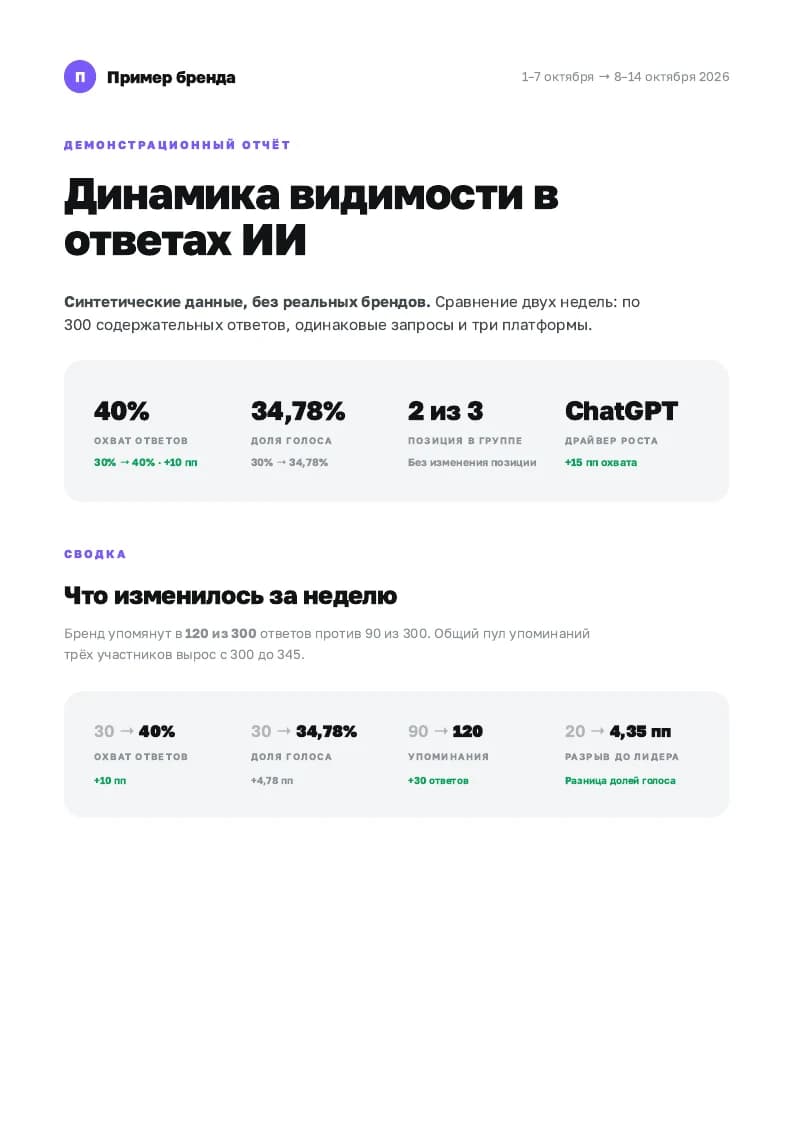
Multi-page A4 PDF. Sample uses synthetic data.
Answer coverage, share of voice, platform and topic breakdowns, competitor comparisons, presence quality and sentiment. Verified data can also support source pages and publication excerpts. The report ends with concise conclusions.
The skill retrieves numbers through GEO Scout MCP, checks period comparability and identifies missing data. A baseline report describes the first measurement; a dynamics report compares two periods.
Both examples use fictional data. “Example brand”, “Competitor A” and “Competitor B” do not represent real companies. Numbers and conclusions illustrate the report format. These sample PDFs are in Russian.
One measurement: coverage, platforms, topic clusters, competitors and gaps. No invented historical comparisons.
Open PDFTwo comparable periods: changes in coverage, share of voice, competitor position and topic performance.
Open PDFRun the commands in your terminal. Installing the skill adds instructions and a renderer. Connect your data separately in the next step.
Choose one command. The -g flag makes the skill available across projects. The CLI may ask you to confirm installation.
npx skills add vldslavvlife-dev/geoscout-skills --skill geo-dynamics -a claude-code -gCopy the command or request text.
npx skills add vldslavvlife-dev/geoscout-skills --skill geo-dynamics -a codex -gCopy the command or request text.
Download the ZIP and extract the geo-dynamics folder into your assistant’s personal skills directory. SKILL.md, scripts and references must be directly inside geo-dynamics. Then start a new assistant session.
Claude Code: ~/.claude/skills/geo-dynamics/
Codex: ~/.agents/skills/geo-dynamics/
Download geo-dynamics.zipSign in to GEO Scout and open MCP settings. Choose your assistant, follow the connection instructions and authenticate. Server URL: https://geoscout.pro/api/mcp.
Open MCP settingsYour account needs access to the brand and monitoring results. Installing the ZIP neither connects MCP nor starts monitoring.
Start a new session after installation. Specify one period for a baseline or two for a comparison. Name the brand if you have access to several. Example requests:
/geo-dynamics Compare the two most recent complete monitoring weeks for the current brand and create a PDF report.Copy the command or request text.
Use $geo-dynamics to create a baseline PDF report for the current brand for the last complete week.Copy the command or request text.
On the first run, the assistant installs renderer dependencies and Chromium if needed. Output: PDF, HTML and report data JSON in a separate folder. Page count depends on the data.
npx skills updateCopy the command or request text.
This checks updates for skills installed with the skills CLI. For a manual installation, download the new ZIP release.
Installation commands use the open-source Vercel skills tool. CLI documentation